Graphic Design Examples That Actually Convert
Good design looks nice.
Great design drives results.
Many businesses invest in graphics but fail to see real returns because their designs are not built for conversion.
In this guide, we’ll explore real-world graphic design examples that actually convert, along with practical insights you can apply to your business in 2026.
What Makes a Design “High-Converting”?
A high-converting design is one that:
- Grabs attention
- Communicates clearly
- Builds trust
- Drives action
It’s not just about creativity it’s about strategy + psychology.
Start here: How to Create High-Converting Marketing Graphics

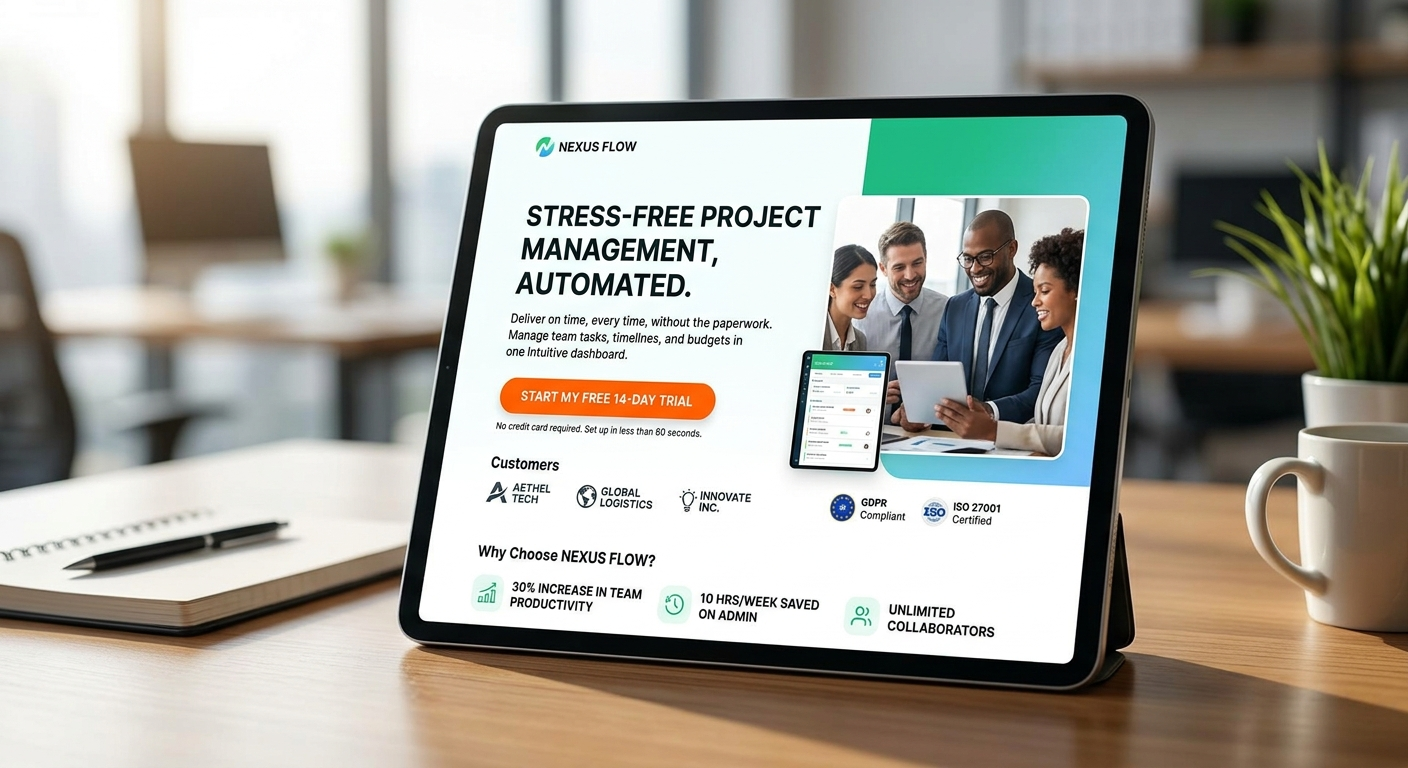
Example 1: High-Converting Website Landing Page
Use Case: Lead Generation Business
A well-designed landing page includes:
- Strong headline
- Clear CTA
- Minimal distractions
- Trust elements (reviews, testimonials)
Why It Works:
- Focuses user attention
- Reduces confusion
- Guides action step-by-step
Read: Why Most Business Websites Don’t Convert (And How to Fix It)
Example 2: E-commerce Product Page Design
Use Case: Online Store
High-converting product pages include:
- High-quality images
- Clear product benefits
- Pricing visibility
- Strong “Buy Now” button
Why It Works:
Customers feel confident and informed before purchasing.
Explore: E-commerce Website Development: Key Features That Convert
Also read: Graphic Design for E-commerce Brands: What Actually Converts
Example 3: Social Media Ad Creatives
Use Case: Paid Advertising Campaigns
Effective ad designs include:
- Bold headline
- Eye-catching visuals
- Clear offer
- CTA button
Why It Works:
Stops scrolling and encourages clicks.
Learn more: Social Media Graphic Design Guide for Businesses (2026)
Related: How Graphic Design Impacts Customer Psychology & Buying Decisions

Example 4: Email Marketing Graphics
Use Case: Promotional Campaigns
High-performing email designs include:
- Clean layout
- Mobile-friendly structure
- Clear CTA
- Limited text
Why It Works:
Simple, readable emails get more clicks and conversions.
Related: Mobile-First Website Design: Why It’s Critical in 2026
Example 5: Website Hero Section Design
Use Case: Business Website Homepage
A strong hero section includes:
- Value-driven headline
- Supporting text
- CTA button
- Visual element
Why It Works:
It creates a powerful first impression and keeps users engaged.
Read: First Impression Matters: Website Design for Businesses (2026)
Example 6: Branding & Logo Design
Use Case: New Business Launch
Effective branding includes:
- Simple logo
- Consistent colors
- Professional identity
Why It Works:
Builds trust instantly and improves brand recall.
Explore:
- Types of Logos Explained: Which One Is Right for Your Business? (2026)
- Branding vs Graphic Design: What’s the Difference for Businesses? (2026)
Example 7: Call-to-Action (CTA) Design
Use Case: Websites & Ads
High-converting CTAs:
- Use action words (“Get Started”)
- Have contrast colors
- Are placed strategically
Why It Works:
Clear direction increases user action.
Learn more: Website Development for Lead Generation: Best Practices
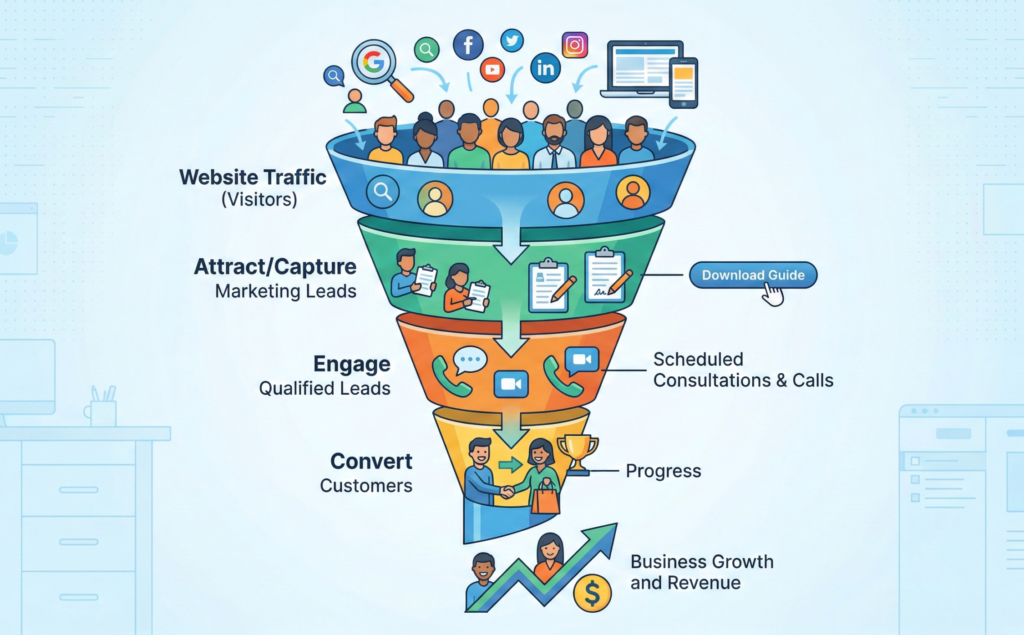
Example 8: Infographic Design
Use Case: Content Marketing
Infographics:
- Simplify complex information
- Use visuals instead of text
- Improve engagement
Why It Works:
People process visuals faster than text.
Example 9: Trust-Building Design Elements
Use Case: Service-Based Businesses
Examples include:
- Testimonials
- Client logos
- Certifications
Why It Works:
Reduces risk perception and builds credibility.
Related: Signs Your Business Website Is Hurting Sales
Example 10: Mobile-Optimized Design
Use Case: All Digital Platforms
Mobile-friendly designs:
- Load fast
- Fit small screens
- Use simple layouts
Why It Works:
Most users browse on mobile devices.
Read: Mobile-First Website Design: Why It’s Critical in 2026
Common Traits of High-Converting Designs
Across all examples, successful designs share:
- Simplicity
- Clear messaging
- Strong CTA
- Visual hierarchy
- Consistency
Explore: Graphic Design Process: Step-by-Step Guide for Businesses (2026)
Common Mistakes That Kill Conversions
Avoid these:
- Overcomplicated layouts
- Weak CTAs
- Poor mobile optimization
- Inconsistent branding
Learn more: Common Graphic Design Mistakes That Hurt Your Brand
How to Apply These Examples to Your Business
Start by:
- Defining your goal
- Understanding your audience
- Choosing the right design format
- Testing and optimizing
Related: How Website Analytics Can Improve Your Business ROI
Need Professional Design That Converts?
If you want designs that don’t just look good but actually generate results, working with professionals is key.
Explore our services:
https://omocracy.com/service/graphic-design/
External Resources (For Inspiration & Learning)
- https://www.behance.net – Real-world design case studies
- https://www.dribbble.com – Creative design inspiration
- https://www.hubspot.com – Marketing and conversion strategies
Conclusion
Design is one of the most powerful tools in business growth, but only when it’s done right.
From landing pages to social media ads, high-converting design focuses on clarity, strategy, and user behavior.
If you apply these real-world examples, your designs won’t just attract attention they’ll drive real business results.
FAQs
What makes a graphic design high-converting?
A clear message, strong CTA, simple layout, and user-focused visuals make a design high-converting.
Which type of design converts the most?
Landing pages, product pages, and ad creatives are among the highest-converting design types.
Can good design really increase sales?
Yes, effective design improves trust, engagement, and user experience, leading to higher conversions.
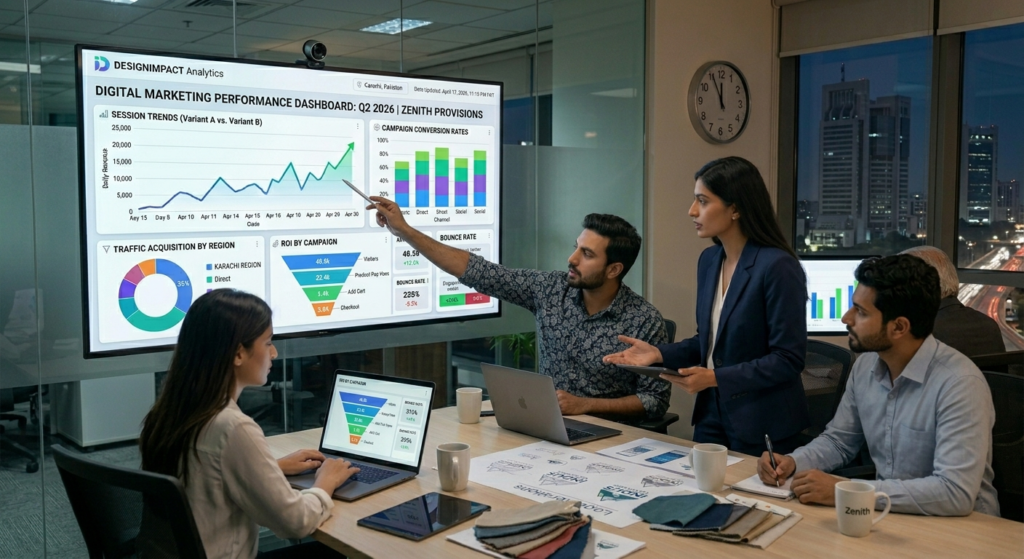
How can I test if my design is working?
Use analytics tools, track conversions, and run A/B tests to measure performance.