Brochure Design Guide for Businesses
Despite the rise of digital marketing, brochures remain one of the most effective tools for presenting information, building credibility, and generating leads. Whether used at trade shows, sales meetings, retail locations, or as downloadable PDFs, a professionally designed brochure helps businesses communicate their message in a clear and memorable way.
However, not all brochures deliver results. Many businesses create brochures that are overcrowded, poorly designed, or filled with generic information that fails to engage readers.
A great brochure is more than a piece of paper or a PDF. It’s a strategic marketing asset designed to educate, persuade, and encourage action.
This guide explains everything businesses need to know about brochure design, including types of brochures, essential design principles, layouts, content strategies, common mistakes, and best practices for creating brochures that actually convert.
What Is a Business Brochure?
A brochure is a printed or digital marketing document that provides information about a company, its products, services, or events.
Businesses use brochures to:
- Introduce their company
- Promote products and services
- Generate leads
- Build trust
- Support sales teams
- Educate customers
A brochure acts as a mini presentation that customers can review at their convenience.
Why Brochure Design Still Matters in 2026
Many businesses assume brochures are outdated. The reality is quite different.
Professionally designed brochures continue to perform well because they:
- Provide detailed information
- Strengthen brand credibility
- Support face-to-face selling
- Improve customer understanding
- Create lasting impressions
A brochure often becomes a physical reminder of your business long after a meeting ends.
Related Reading:
Internal Link: How Professional Design Improves Brand Trust & Sales

Benefits of Professional Brochure Design
Improves Brand Image
A professionally designed brochure reflects quality and credibility.
Increases Customer Trust
People often judge businesses based on their marketing materials.
Generates More Leads
Strong brochures guide readers toward taking action.
Supports Sales Teams
Brochures answer questions and explain value propositions.
Improves Brand Recognition
Consistent design reinforces your visual identity.
Related Reading:
Internal Link: Brand Visual Identity: Why Consistent Design Matters in 2026
Types of Business Brochures
Bi-Fold Brochure
Contains four panels.
Best for:
- Company profiles
- Service overviews
- Product catalogs
Tri-Fold Brochure
Contains six panels.
Best for:
- Service businesses
- Healthcare providers
- Educational institutions
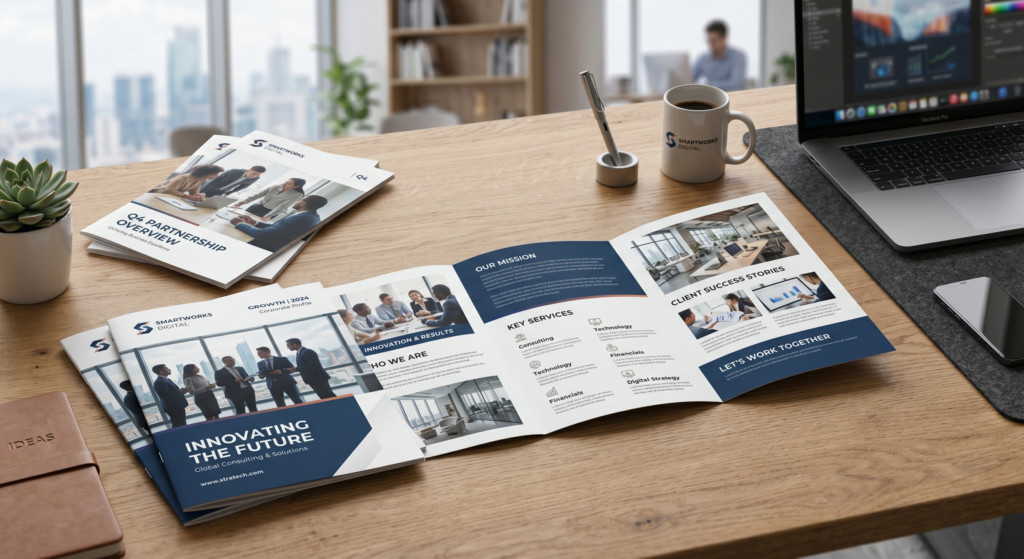
Gate-Fold Brochure
Creates a premium presentation.
Best for:
- Luxury brands
- Real estate companies
- Corporate presentations
Z-Fold Brochure
Panels open like an accordion.
Best for:
- Step-by-step information
- Timelines
- Product explanations
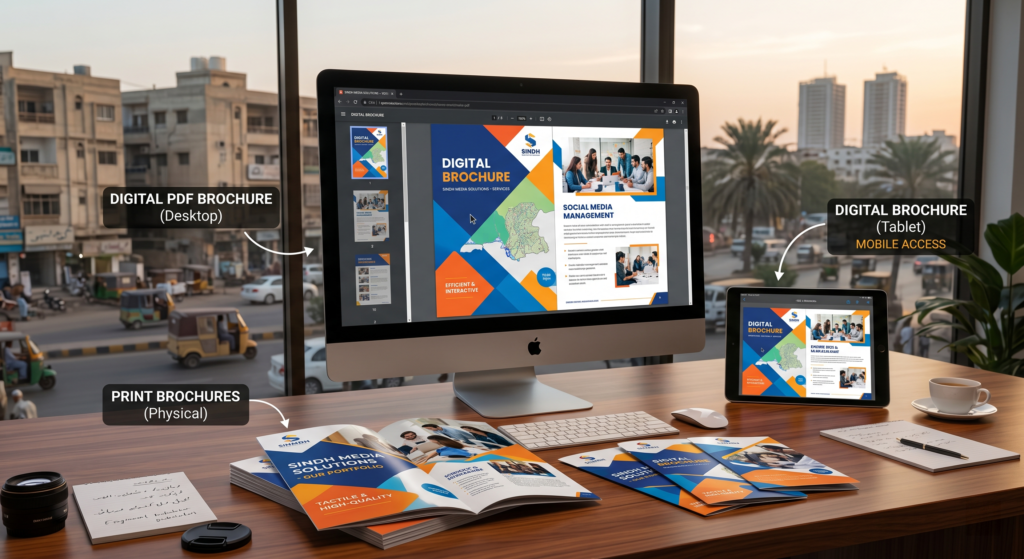
Digital PDF Brochure
Designed for online sharing.
Best for:
- Email marketing
- Website downloads
- Sales presentations
Comparison Table: Types of Brochures
| Type | Panels | Best For |
|---|---|---|
| Bi-Fold | 4 | Company profiles |
| Tri-Fold | 6 | Service businesses |
| Gate-Fold | 6 | Premium brands |
| Z-Fold | 6 | Process explanations |
| Digital PDF | Unlimited | Online marketing |
Essential Elements of an Effective Brochure
1. Compelling Cover Design
The cover determines whether people continue reading.
Include:
- Strong headline
- Professional imagery
- Brand logo
- Clear value proposition
2. Engaging Headlines
Avoid generic headlines.
Instead of:
“Our Services”
Try:
“Helping Businesses Increase Revenue Through Strategic Marketing”
3. Clear Value Proposition
Explain:
- What you do
- Who you help
- Why customers should choose you
4. Professional Imagery
Use:
- High-quality photos
- Custom illustrations
- Professional graphics
Avoid low-resolution stock images.
Related Reading:
Internal Link: Graphic Design Examples That Actually Convert (With Real Business Use Cases)
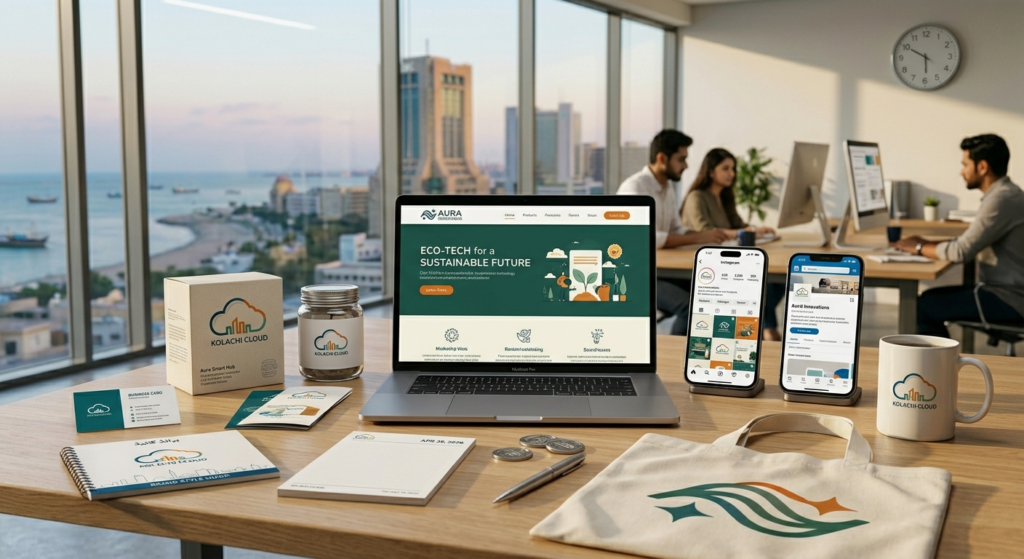
5. Consistent Branding
Your brochure should match:
- Website
- Social media
- Business cards
- Packaging
Consistency strengthens recognition.
Related Reading:
Internal Link: How to Build a Strong Visual Brand Identity from Scratch (2026 Guide)
6. Strong Call-To-Action
Every brochure should encourage readers to take the next step.
Examples:
- Visit our website
- Schedule a consultation
- Request a quote
- Contact our team
Step-by-Step Guide to Designing a Professional Brochure
Step 1: Define Your Goal
Ask:
- Generate leads?
- Introduce services?
- Increase sales?
- Educate customers?
Your objective shapes the design.
Step 2: Understand Your Audience
Different audiences need different information.
A brochure for corporate executives looks different from one targeting consumers.
Step 3: Plan the Content Structure
Most brochures include:
- Cover
- Introduction
- Services
- Benefits
- Testimonials
- Contact Information
Step 4: Create the Layout
A clean layout improves readability.
Use:
- White space
- Visual hierarchy
- Consistent alignment
- Clear sections
Step 5: Use Professional Typography
Choose fonts that:
- Are easy to read
- Match your brand personality
- Work in print and digital formats
Related Reading:
Internal Link: Common Graphic Design Mistakes That Hurt Your Brand

Step 6: Add Visual Elements
Include:
- Icons
- Charts
- Infographics
- Photography
Visuals improve information retention.
Step 7: Optimize for Print
Ensure:
- CMYK color mode
- High-resolution images
- Proper bleed settings
- Correct paper size
Step 8: Review and Test
Before printing:
- Check spelling
- Verify contact information
- Test readability
- Review design consistency
Print Brochure vs Digital Brochure
| Feature | Digital | |
|---|---|---|
| Physical Presence | Yes | No |
| Easy Sharing | Limited | Excellent |
| Printing Costs | Higher | Lower |
| Interactive Features | No | Yes |
| Distribution | Manual | Instant |
Many businesses benefit from using both formats.
Related Reading:
Internal Link: Print Design vs Digital Design: What Does Your Business Need?
Brochure Design Best Practices
Keep Copy Concise
Avoid large blocks of text.
Focus on Benefits
Customers care more about solutions than features.
Use High-Quality Visuals
Professional design influences trust.
Prioritize Readability
Good design guides the reader naturally.
Include Social Proof
Testimonials and case studies increase credibility.
Common Brochure Design Mistakes
Too Much Text
Readers rarely consume large amounts of information.
Poor Image Quality
Blurry images reduce professionalism.
Weak Calls-To-Action
Readers need direction.
Inconsistent Branding
Mixed colors and fonts create confusion.
Overcrowded Layouts
Too much information hurts readability.
Related Reading:
Internal Link: Why Businesses Fail Without Professional Graphic Design
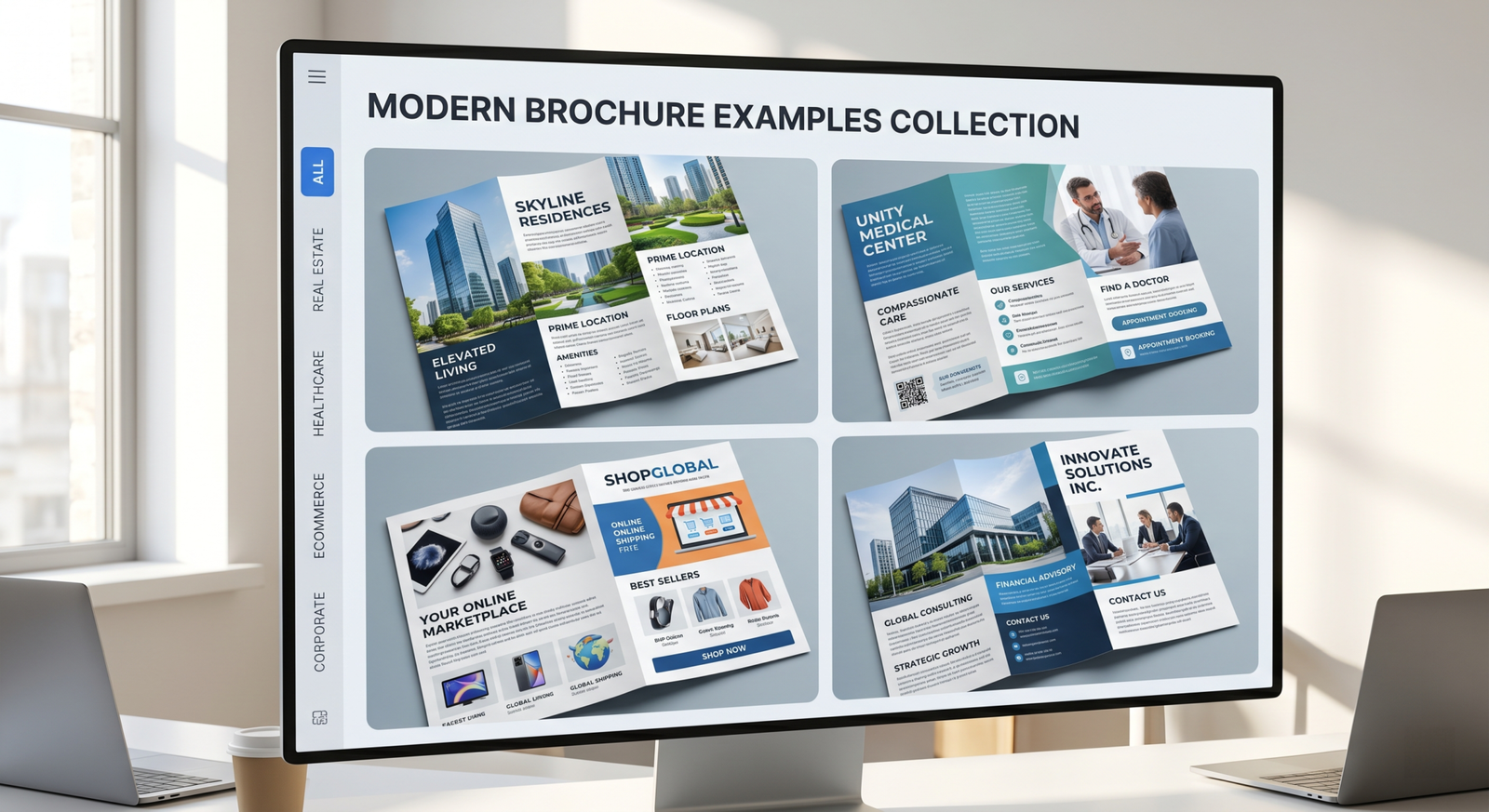
Brochure Examples by Industry
Real Estate
- Property brochures
- Investment guides
Healthcare
- Service information
- Patient education
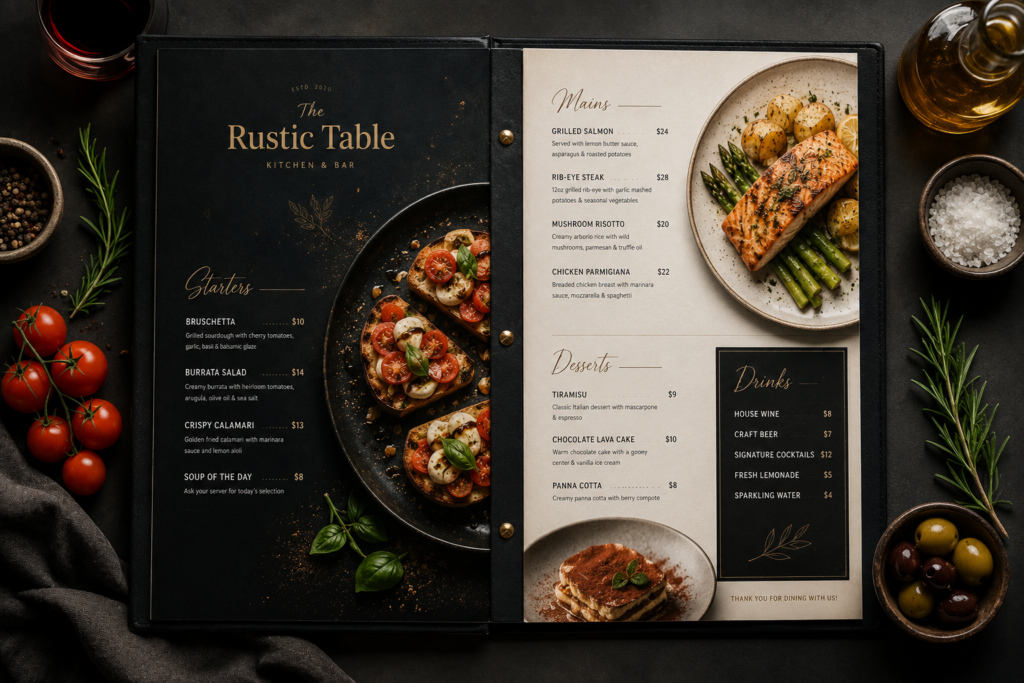
Restaurants
- Menus
- Catering brochures
Corporate Services
- Company profiles
- Service brochures
Ecommerce
- Product catalogs
- Promotional brochures
Related Reading:
Internal Link: Graphic Design for Specific Industries: What Works for Each Business Type (2026)
How Brochure Design Impacts Conversions
Professional brochures:
- Increase trust
- Improve understanding
- Strengthen brand image
- Encourage action
Poorly designed brochures often result in lost opportunities.
Related Reading:
Internal Link: Graphic Design ROI: How to Measure Design Performance in Business
10 Actionable Brochure Design Tips
- Start with a clear objective.
- Understand your target audience.
- Keep the design clean.
- Use strong headlines.
- Focus on customer benefits.
- Maintain consistent branding.
- Use high-quality visuals.
- Include a clear CTA.
- Optimize for print and digital use.
- Proofread before publishing.
Conclusion
Brochures remain one of the most versatile marketing tools available to businesses. Whether printed or digital, a well-designed brochure helps communicate your message, strengthen brand credibility, and support sales efforts.
The key is to focus on clear messaging, strong visual design, consistent branding, and compelling calls-to-action. Businesses that invest in professional brochure design often see better customer engagement, stronger brand recognition, and higher conversion rates.
Call-To-Action
Need a professional brochure that attracts customers and represents your brand effectively?
Omocracy creates high-converting brochure designs, company profiles, product catalogs, and marketing materials tailored to your business goals.
Contact Omocracy today and turn your brochures into powerful sales and branding tools.
External Resources
Frequently Asked Questions (FAQs)
What is a business brochure?
A marketing document that presents information about a company, products, or services.
Why are brochures still important?
They provide detailed information and support sales and branding efforts.
What type of brochure works best?
It depends on your goals and target audience.
How many pages should a brochure have?
Most brochures contain four to six panels.
Should brochures be printed or digital?
Many businesses use both formats.
What makes a brochure effective?
Clear messaging, professional design, and strong calls-to-action.
How much text should a brochure contain?
Only essential information presented concisely.
Why is brochure design important?
Design influences credibility and customer perception.
What software is used to create brochures?
Adobe InDesign, Illustrator, Canva, and Affinity Publisher.
Should small businesses invest in brochures?
Yes. Brochures remain effective marketing and sales tools.