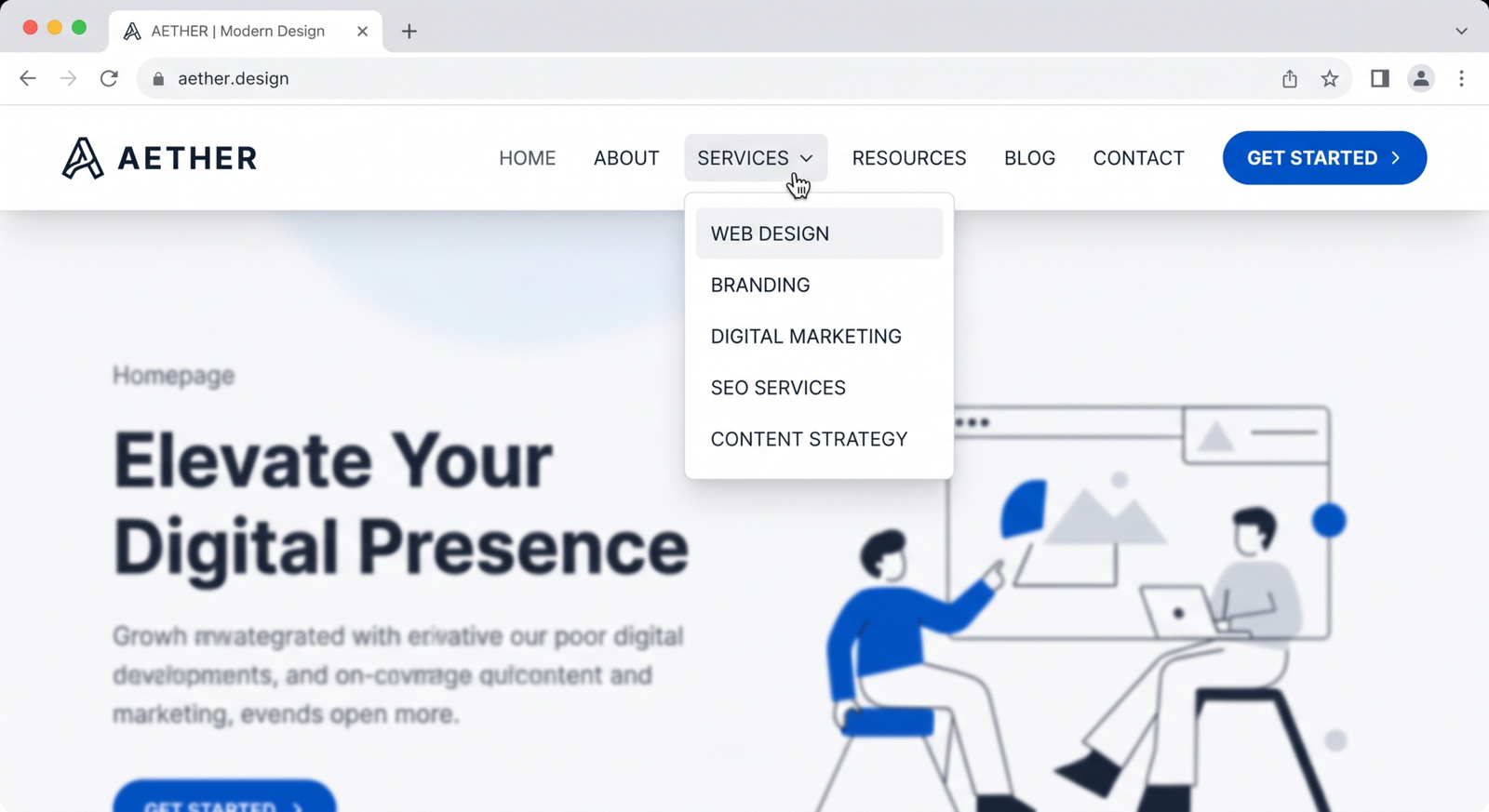
Website navigation is one of the most important elements of user experience. No matter how beautiful your website looks, if users can’t find what they need quickly, they will leave.
In 2026, users expect fast, simple, and intuitive navigation. A well-optimized navigation system not only improves user experience but also boosts SEO and conversions.
This guide covers proven strategies to optimize website navigation for better performance and usability.
Keep Navigation Simple and Clear
Simplicity is key.
Your navigation menu should:
- Include only essential pages
- Use clear labels (e.g., “Services,” “About,” “Contact”)
- Avoid clutter
Too many options confuse users and increase bounce rates.
Related topic:
Follow a Logical Structure
Your website should have a clear hierarchy:
- Homepage → Categories → Subpages
This helps users and search engines understand your site.
Example structure:
- Home
- Services
- Blog
- Contact
Learn more about site structure:
https://developers.google.com/search/docs/crawling-indexing/site-structure
Also read:
Use Sticky Navigation (Fixed Header)
Sticky navigation stays visible while users scroll.
Benefits:
- Easy access to menu
- Better user experience
- Higher engagement
This is especially useful for long pages.
Optimize for Mobile Navigation
Mobile navigation should be:
- Simple (hamburger menu)
- Easy to tap
- Fast loading
With most users on mobile, poor navigation can cost you leads.

Related:
Use Descriptive Menu Labels
Avoid vague terms like:
❌ “Stuff”
❌ “Things”
Instead use:
✅ “Web Development Services”
✅ “Pricing Plans”
Clear labels improve usability and SEO.
Limit Menu Items
Too many menu items overwhelm users.
Best practice:
- 5–7 main items in the navigation bar
If you have more, use dropdown menus.
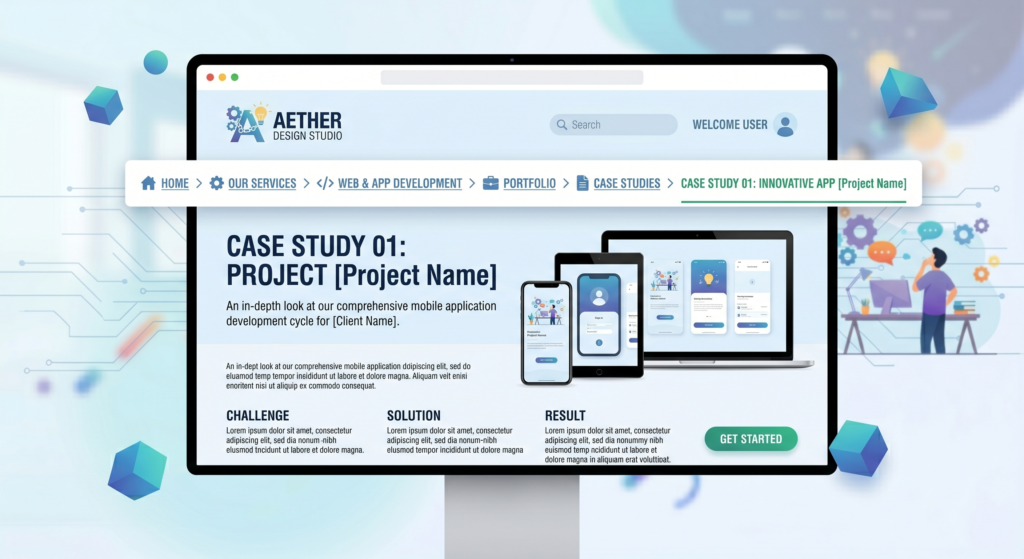
Implement Breadcrumb Navigation
Breadcrumbs show users where they are on your website.
Example:
Home > Services > Web Development
Benefits:
- Improves navigation
- Enhances SEO
- Reduces bounce rate
Learn more:
https://www.nngroup.com/articles/breadcrumb-navigation-useful/
Add a Search Function
A search bar helps users quickly find what they need.
This is especially useful for:
- Large websites
- E-commerce stores
- Content-heavy blogs
Optimize Navigation for SEO
Navigation plays a key role in SEO.
Best practices:
- Use keyword-rich menu labels
- Link important pages in navigation
- Avoid broken links
Google SEO guide:
https://developers.google.com/search/docs/fundamentals/seo-starter-guide
Also read:
Ensure Fast Loading Navigation
Heavy menus slow down websites.
Optimize by:
- Reducing scripts
- Using lightweight design
- Minimizing animations
Related:
Use Clear Call-to-Action in Navigation
Your navigation should guide users toward action.
Examples:
- “Get a Quote”
- “Contact Us”
- “Start Now”
This improves lead generation.
Also read:
Test Navigation with Real Users
User behavior reveals what works.
Test:
- Click patterns
- Navigation flow
- Drop-off points
A/B testing tools:
https://vwo.com/ab-testing/
Maintain Consistency Across Pages
Navigation should remain consistent across your website.
Avoid:
- Changing menu styles
- Moving important links
Consistency improves usability and trust.
Use Visual Hierarchy
Design your navigation to highlight important items:
- Use bold fonts
- Highlight CTA buttons
- Use spacing effectively
This helps guide user attention.
Avoid Deep Navigation Levels
Users should find information within 3 clicks.
Too many levels = frustration + drop-offs.
Monitor and Improve Continuously
Navigation is not a one-time setup.
Use analytics tools like:
https://analytics.google.com/
Track:
- User flow
- Bounce rates
- Page visits
Work with Professionals for Better UX
Optimizing navigation requires both design and technical expertise.
Professional developers ensure:
- Logical structure
- SEO-friendly navigation
- Better user experience
Explore your service page:
Website Development Services for Businesses
Also read:
Conclusion
Website navigation is a critical part of user experience and business success. A clear, simple, and well-structured navigation system helps users find what they need quickly, improving engagement and conversions.
In 2026, businesses that focus on user-friendly navigation will stand out and perform better online.
FAQs
What is website navigation?
Website navigation refers to the menu and structure that helps users move through a website and find information easily.
Why is navigation important for UX?
Good navigation improves usability, reduces bounce rates, and helps users complete desired actions.
What is the ideal number of menu items?
Typically, 5–7 main menu items are recommended for better usability.
How can I improve my website navigation?
Simplify menus, use clear labels, optimize for mobile, and test with real users to improve navigation.