
CMS Comparison
Choosing the right CMS (Content Management System) is one of the most important decisions for your business website. The platform you choose directly affects your website’s performance, SEO, scalability, and overall success.
In 2026, the most popular options include WordPress, Shopify, Wix, and custom-built websites. Each has its strengths and limitations depending on your business goals.
This guide provides a detailed comparison to help you choose the best platform.
What Is a CMS?
A CMS (Content Management System) allows you to create, manage, and modify website content without needing advanced coding skills.
Learn more:
https://www.oracle.com/pk/content-management/what-is-cms/
WordPress (Most Popular & Flexible)
WordPress powers over 40% of websites globally and is known for its flexibility.
Pros:
- Highly customizable
- SEO-friendly
- Thousands of plugins
- Suitable for blogs, business sites, and e-commerce
Cons:
- Requires maintenance
- Security depends on plugins
- Can become slow if poorly optimized
Best for:
- Small to large businesses
- Content-heavy websites
- SEO-focused projects
Related reading:
- WordPress vs Custom Website: Which One Should You Choose?
- SEO-Friendly Website Design: Best Practices for Higher Rankings
Shopify (Best for E-commerce)
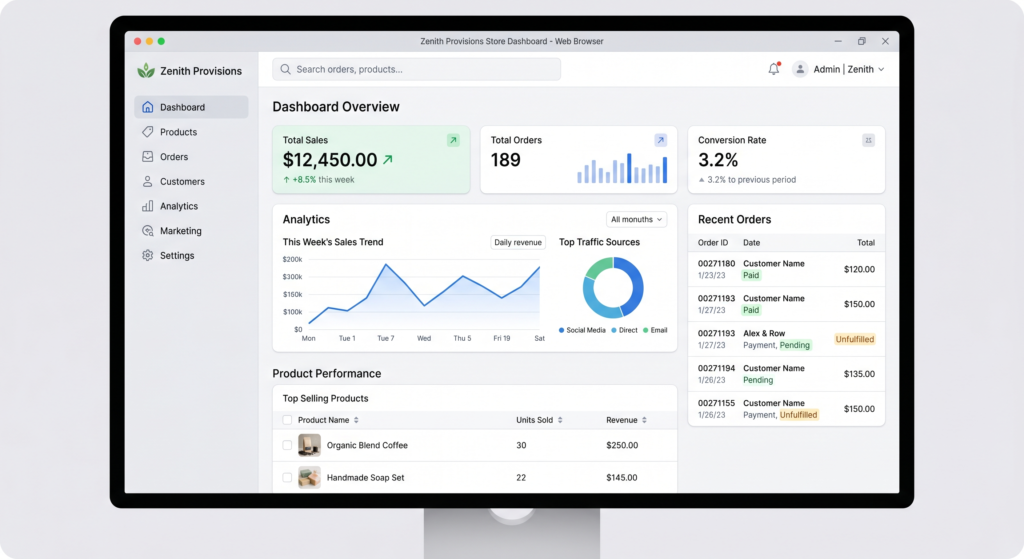
Shopify is a dedicated e-commerce platform designed for online stores.
Pros:
- Easy to set up
- Built-in payment system
- Secure and reliable
- Optimized for selling
Cons:
- Monthly fees
- Limited customization compared to WordPress
- Transaction fees
Best for:
- Online stores
- Dropshipping businesses
- Retail brands
Learn more:
https://www.shopify.com/blog/what-is-shopify
Related topic:
Wix (Beginner-Friendly Builder)
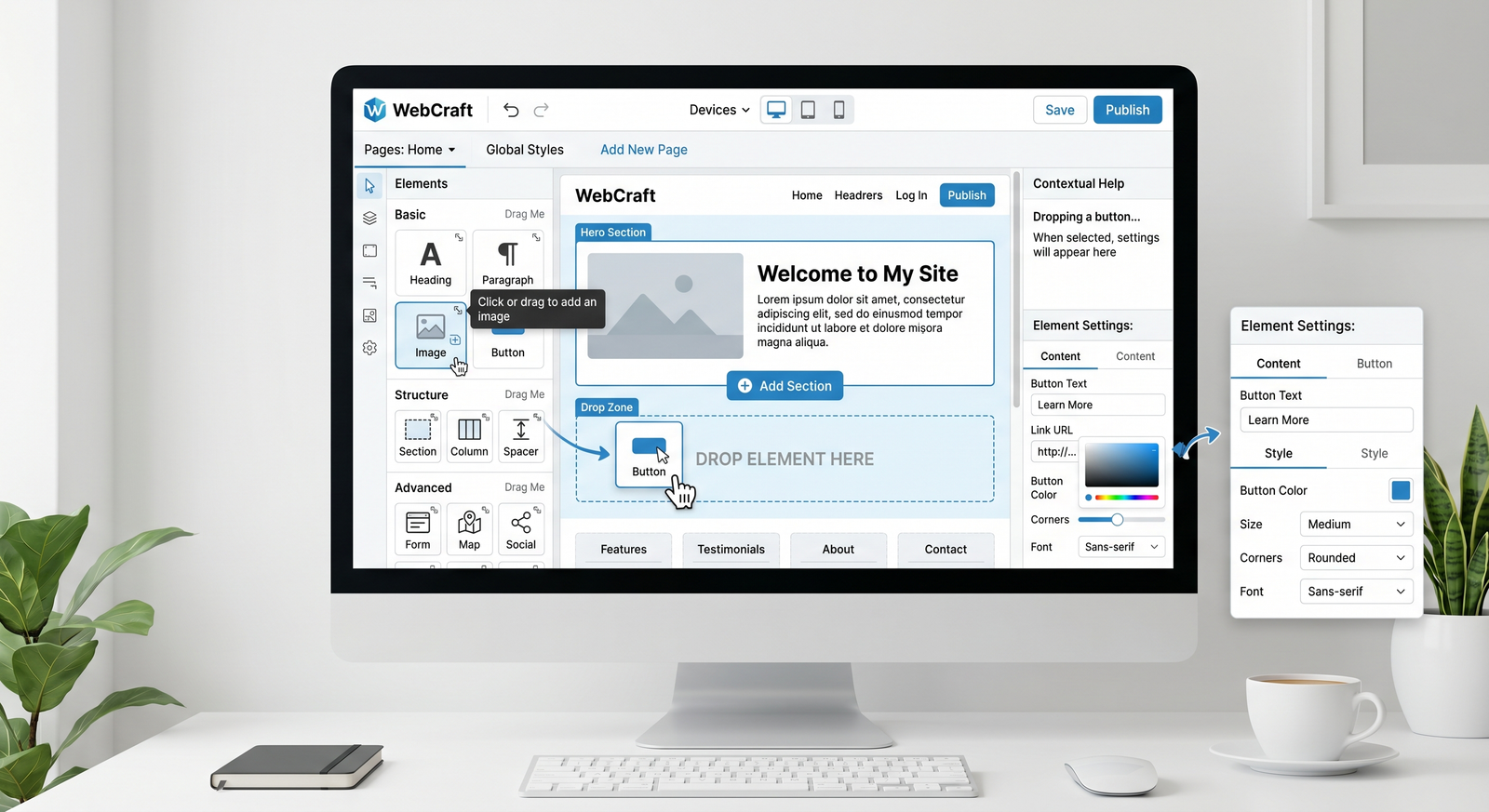
Wix is a drag-and-drop website builder ideal for beginners.
Pros:
- Easy to use
- No coding required
- Quick setup
- All-in-one solution
Cons:
- Limited scalability
- Less SEO control
- Not ideal for complex websites
Best for:
- Small businesses
- Personal websites
- Startups with low budgets
Learn more:
https://www.wix.com/website-builder
Custom Solutions (Maximum Control & Performance)
Custom-built websites are developed from scratch using technologies like React, Laravel, or Node.js.
Pros:
- Full control over design and functionality
- High performance
- Strong security
- Scalable
Cons:
- Higher cost
- Longer development time
- Requires technical expertise
Best for:
- Large businesses
- Unique platforms
- High-traffic websites
Related reading:
- Custom Website vs WordPress: Which Is Better for Business Growth?
- Website Development Cost in Pakistan & UAE (2026 Guide)
CMS Comparison
| Feature | WordPress | Shopify | Wix | Custom |
|---|---|---|---|---|
| Ease of Use | Medium | Easy | Very Easy | Complex |
| Customization | High | Medium | Low | Very High |
| SEO | Excellent | Good | Basic | Excellent |
| Cost | Low–Medium | Medium–High | Low | High |
| Scalability | High | Medium | Low | Very High |
| Best For | Blogs & Business | E-commerce | Beginners | Advanced Needs |
Which CMS Is Best for SEO?
- WordPress: Best for SEO flexibility
- Custom websites: Best for technical SEO control
- Shopify: Good for e-commerce SEO
- Wix: Basic SEO capabilities
Also read:
Which Platform Should You Choose?
Choose based on your needs:
Choose WordPress if:
- You want flexibility
- SEO is a priority
- You plan to scale
Choose Shopify if:
- You are building an online store
- You want simplicity
Choose Wix if:
- You need a quick and easy website
- You have a low budget
Choose Custom if:
- You need unique features
- Performance and scalability matter most
Common Mistakes When Choosing a CMS
Avoid these mistakes:
- Choosing based only on cost
- Ignoring scalability
- Not considering SEO
- Overlooking future needs
Related topic:
Work with Professionals for the Right Choice
Choosing the wrong platform can cost time and money.
Professional developers help you:
- Select the right CMS
- Build scalable websites
- Optimize for SEO and performance
Explore your service page:
Website Development Services for Businesses
Also read:
Conclusion
There is no one-size-fits-all CMS in 2026. The best choice depends on your business goals, budget, and technical requirements.
- WordPress offers flexibility and SEO power
- Shopify is ideal for e-commerce
- Wix is perfect for beginners
- Custom solutions provide ultimate control
Choosing the right platform is the foundation of a successful website.
FAQs
Which CMS is best for beginners?
Wix is the easiest platform for beginners due to its drag-and-drop interface.
Is WordPress better than Shopify?
WordPress is better for flexibility and SEO, while Shopify is الأفضل for e-commerce simplicity.
Are custom websites worth the cost?
Yes, for businesses that need scalability, performance, and unique features.
Can I switch CMS later?
Yes, but migration can be complex and costly, so it’s best to choose carefully from the start.