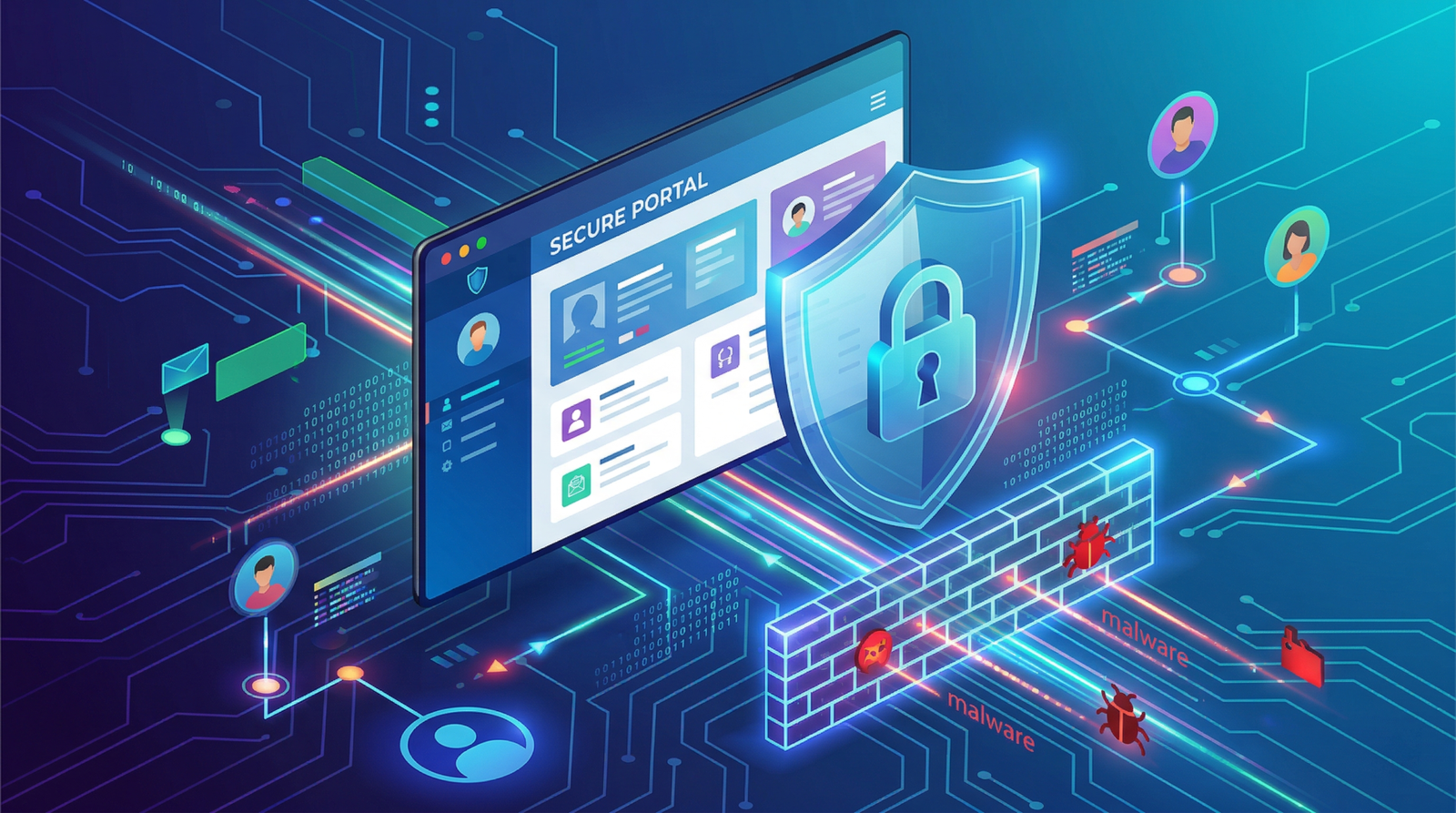
Website Security Essentials for Businesses
In 2026, website security is no longer optional—it’s a necessity. With cyber threats becoming more advanced, businesses of all sizes are at risk of data breaches, malware attacks, and financial loss.
Whether you run a small business website or a large e-commerce platform, ignoring security can damage your reputation and cost you customers.
This guide covers the most important website security essentials every business must implement to stay safe and competitive.
Use HTTPS and SSL Certificates
A secure website starts with HTTPS. An SSL certificate encrypts data between the user and your website, protecting sensitive information like passwords and payment details.
Benefits:
- Builds user trust
- Improves SEO rankings
- Protects data
You can test your website security here:
https://www.ssllabs.com/ssltest/
Related topic:
Keep Your Website Updated
Outdated software is one of the biggest security risks.
Always update:
- CMS (like WordPress)
- Plugins and themes
- Server software
Hackers often exploit outdated systems to gain access.
Also read:
Use Strong Passwords & Authentication
Weak passwords are an open door for hackers.
Best practices:
- Use complex passwords
- Enable two-factor authentication (2FA)
- Avoid default login URLs
Example password guidelines:
https://www.cisa.gov/secure-our-world/use-strong-passwords
Install a Web Application Firewall (WAF)
A WAF protects your website by filtering malicious traffic.
It helps prevent:
- SQL injections
- Cross-site scripting (XSS)
- DDoS attacks
Popular providers include services like Cloudflare:
https://www.cloudflare.com/learning/ddos/what-is-a-waf/
Regular Website Backups
Backups ensure you can restore your website if something goes wrong.
Best practices:
- Daily or weekly backups
- Store backups offsite
- Test backup restoration
Learn more:
Protect Against Malware
Malware can:
- Steal data
- Redirect users
- Damage SEO rankings
Use security tools to scan your website regularly.
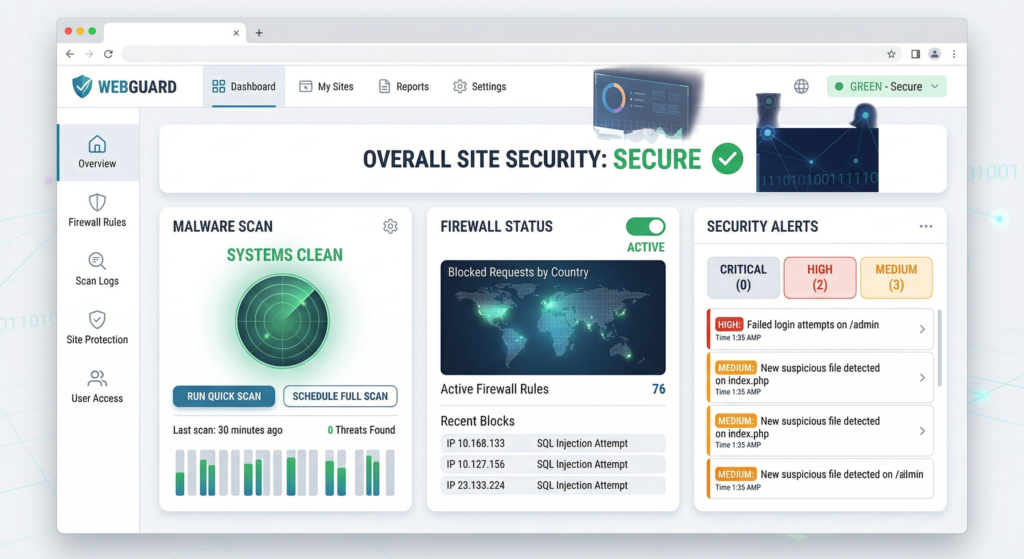
Example malware scanner:
https://sitecheck.sucuri.net/
Secure Your Login Pages
Login pages are a common attack point.
Improve security by:
- Limiting login attempts
- Using CAPTCHA
- Changing default admin URLs
Related reading:
Implement Role-Based Access Control
Not every user should have full access.
Assign roles like:
- Admin
- Editor
- Viewer
This minimizes risk and prevents internal errors.
Monitor Website Activity
Real-time monitoring helps detect suspicious activity early.
Track:
- Login attempts
- Traffic spikes
- File changes
Tools like Google Search Console can help:
https://search.google.com/search-console/about
Secure Payment Gateways (For E-commerce)
If you run an online store, payment security is critical.
Use:
- Trusted payment gateways
- PCI-DSS compliance
- Tokenization
Related topic:
Use Secure Hosting
Your hosting provider plays a huge role in website security.
Choose hosting that offers:
- Firewalls
- Malware protection
- Regular backups
Also read:
Protect Against DDoS Attacks
DDoS attacks can crash your website by overwhelming it with traffic.
Protection methods:
- CDN services
- Traffic filtering
- Rate limiting
Learn more:
https://www.cloudflare.com/learning/ddos/what-is-a-ddos-attack/
Encrypt Sensitive Data
Any sensitive data should be encrypted both:
- In transit (HTTPS)
- At rest (database encryption)
This ensures data remains safe even if accessed.
Regular Security Audits
Conduct periodic security audits to identify vulnerabilities.
Audit includes:
- Code review
- Server configuration
- Plugin checks
Related reading:
Train Your Team
Human error is a major cause of security breaches.
Train your team on:
- Phishing awareness
- Password hygiene
- Safe browsing practices
Reference:
https://www.cisa.gov/topics/cybersecurity-best-practices
Work with Professional Developers
A secure website requires proper development practices.
Professional developers ensure:
- Clean, secure code
- Updated frameworks
- Vulnerability protection
Explore your service page:
Website Development Services for Businesses
Also read:
Conclusion
Website security in 2026 is essential for protecting your business, customers, and reputation. From SSL certificates to regular updates and firewalls, every step plays a crucial role.
Ignoring security can lead to financial loss, SEO penalties, and loss of customer trust. By implementing these best practices, businesses can create a safe, reliable, and high-performing website.
FAQs
Why is website security important for businesses?
Website security protects your data, customers, and brand reputation from cyber threats like hacking and malware.
What is the most important website security feature?
HTTPS (SSL certificate) is the most basic and essential feature for encrypting data and building trust.
How often should I update my website?
You should update your website regularly, especially CMS, plugins, and security patches—ideally as soon as updates are available.
Can a small business website be hacked?
Yes, small business websites are often targeted because they usually have weaker security measures.