Best graphic design software empowers individuals and businesses to create professional visuals for branding, marketing, websites, social media, packaging, and more. Whether you’re a beginner or a growing business in 2026, choosing the right design tools can make all the difference in productivity, creativity, and results.
Internal link: To complement your design workflow, explore our graphic design services for professional support across all design types.
External link: According to Adobe Creative Cloud, graphic design tools are evolving rapidly to serve both beginners and advanced users.
Popular Graphic Design Software (Beginners & Business)
Adobe Photoshop
Adobe Photoshop remains the industry standard for photo editing, digital art, and design. It offers unmatched power and flexibility for professionals and advanced beginners.
- Best for: advanced photo editing, compositing, high-end graphics
- Pros: powerful tools, rich feature set, industry trust
- Cons: steep learning curve
External link: Learn more about Photoshop on the Adobe Photoshop official page.
Adobe Illustrator
Adobe Illustrator is the go-to for vector graphics, which scale without losing quality — perfect for logos, brand assets, and icons.
- Best for: logos, illustrations, vector design
- Pros: precision tools, professional output
- Cons: learning curve for beginners
This pairs perfectly with your brand identity work outlined in our blog on types of graphic design.
Internal link: See detailed design types in our blog on Types of Graphic Design: Complete Guide for Businesses (2026).
Canva
Canva is one of the easiest graphic design tools for beginners and non-designers — offering drag-and-drop simplicity with tons of templates.
- Best for: social media posts, basic flyers, presentations
- Pros: intuitive UI, tons of templates, free tier
- Cons: limited advanced tools
External link: Try templates and tools from Canva’s official site here: https://www.canva.com.
Figma
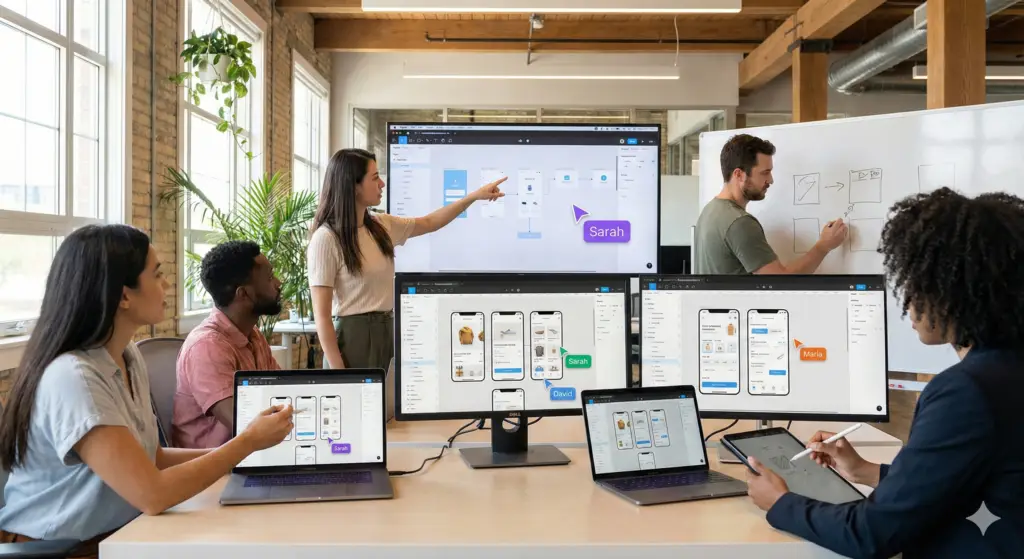
Figma is a browser-based design tool optimized for UI/UX design and real-time collaboration. It’s increasingly popular among teams and freelancers.
- Best for: UI design, prototypes, collaborative workflows
- Pros: cloud-based collaboration, fast iterations
- Cons: less emphasis on print or photo design
External link: Learn more about Figma at https://www.figma.com.
Affinity Designer
Affinity Designer is a powerful, cost-effective alternative to Adobe products, suitable for vector and raster design.
- Best for: logo design, branding work, illustration
- Pros: one-time purchase, professional capability
- Cons: smaller ecosystem than Adobe
- Great for: small businesses and freelancers
Free Graphic Design Software Options
These are great options if you’re just starting out or on a budget:
- Gravit Designer – free vector design software
- GIMP – open-source photo editor
- Inkscape – free vector editing tool
External link: Check free options and comparisons at TechRadar: https://www.techradar.com/best/best-free-graphic-design-software.
How to Choose the Right Tool (Beginners & Businesses)
Choosing graphic design software depends on your goals:
Beginners:
- Start with Canva or Gravit Designer
- Learn basic layouts, typography, and templates
Growing Businesses:
- Use Adobe Illustrator and Photoshop for brand identity and professional graphics
- Consider Figma if you need design collaboration
Internal tip: Combine tools for best results — for example, design brand assets in Illustrator and use Canva for social media repurposing.
Internal link: Get insights on how design helps growth in our blog How Professional Graphic Design Helps Businesses Grow Faster (2026).
Trends in Graphic Design Tools (2026)
In 2026, trends include:
- AI-assisted design features
- Real-time team collaboration
- Cloud-based templates and libraries
- Cross-platform design workflows
External link: Adobe highlights key creative trends shaping design tools in 2026 here: https://www.adobe.com/creativecloud/design/discover/graphic-design-trends.html.
FAQs
What is the best graphic design software for beginners?
For beginners, Canva and Gravit Designer are the easiest options to start with due to their simplified interfaces and templates.
Is Adobe better than Canva for business design?
Adobe tools like Photoshop and Illustrator are more powerful and professional, while Canva is faster for everyday tasks and social media graphics.
Do I need multiple tools for graphic design?
Many designers use a combination — for example, Illustrator for brand assets and Canva for marketing visuals.
Are free graphic design tools worth using for businesses?
Free tools are great for basic tasks, but professional businesses often benefit from premium software for advanced design and branding work.